
Getting started with SocialMedia
Getting started
Sign in to your private trial
Already approved? Use your own account to step into your workspace. Your first post can start from there.
Sign in to SocialMediaForgot your password? Reset it securely.
A trial request does not create an account or grant access. Wait for approval and your access instructions.
See it step by step
Screen 1 of 4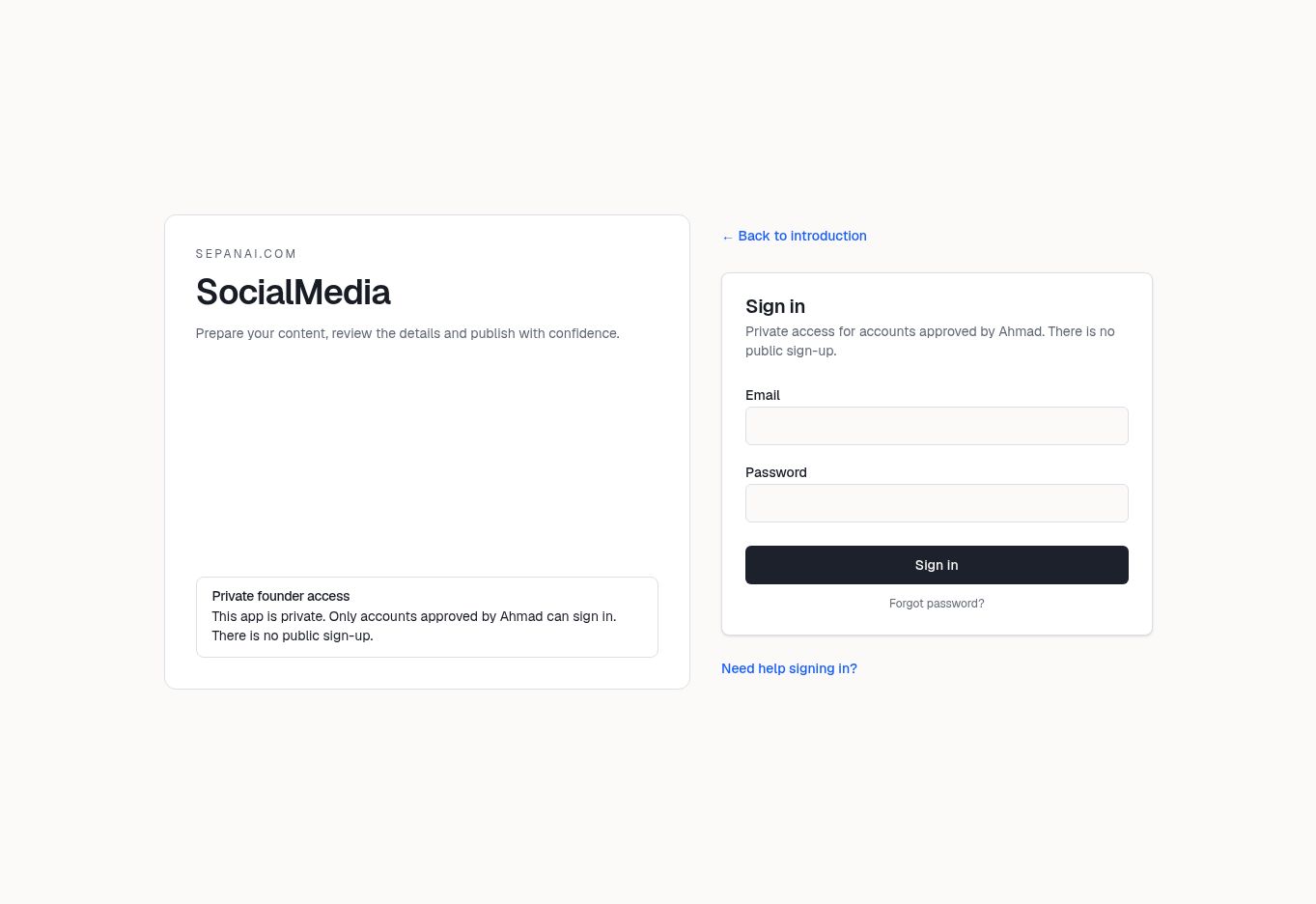
1. Email
Enter the email for your own approved account. A trial request does not grant access by itself.
Actual product screens. Your content and available actions may differ. Walkthroughs do not operate your account.
Open SocialMedia and enter the email and password for your approved account.
Choose Sign in once and wait for the result.
If you cannot remember your password, use Forgot password? and follow the secure email flow.
If access is denied, check which email received approval or an invitation and contact the person managing your trial.
Complete any required workspace setup after signing in.